
Sections
Comparison table
Your product compared with one or two alternatives.
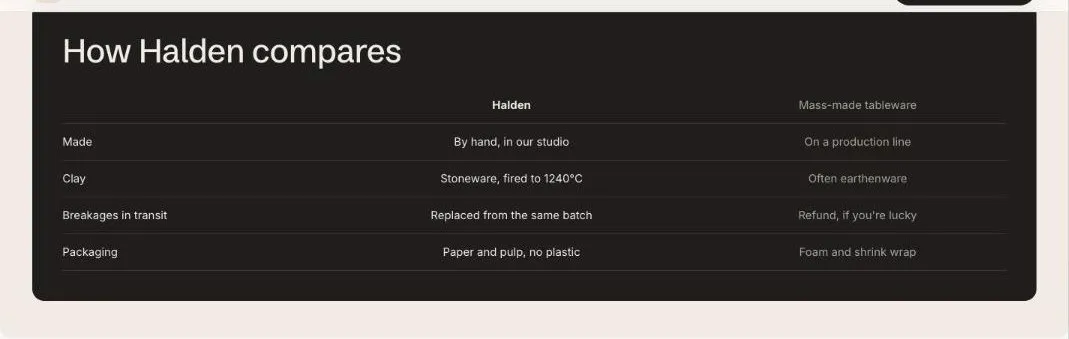
The comparison table sets your product against one or two alternatives. Each Row block is one attribute. On a product page the first column uses the product’s title by default.
Add the section
Section titled “Add the section”- Open Online Store > Themes > Customize and go to any page.
- Click Add section and choose Comparison table.
- Fill in the content, then click Save.
Section settings
Section titled “Section settings”| Setting | Type | What it does |
|---|---|---|
| Heading | Text | Leave empty to hide it. |
| Your column | Text | Leave blank on product pages to use the product title. |
| Second column | Text | |
| Third column | Text | |
| Card color scheme | Color scheme | The scheme used inside the cards, so they can stand out from the section background. |
Blocks
Section titled “Blocks”You can add up to 12 blocks.
| Setting | Type | What it does |
|---|---|---|
| Attribute | Text | |
| Your value | Text | |
| Second column value | Text | |
| Third column value | Text |