
Sections
Collection tiles
Large image tiles that link to collections or any page.
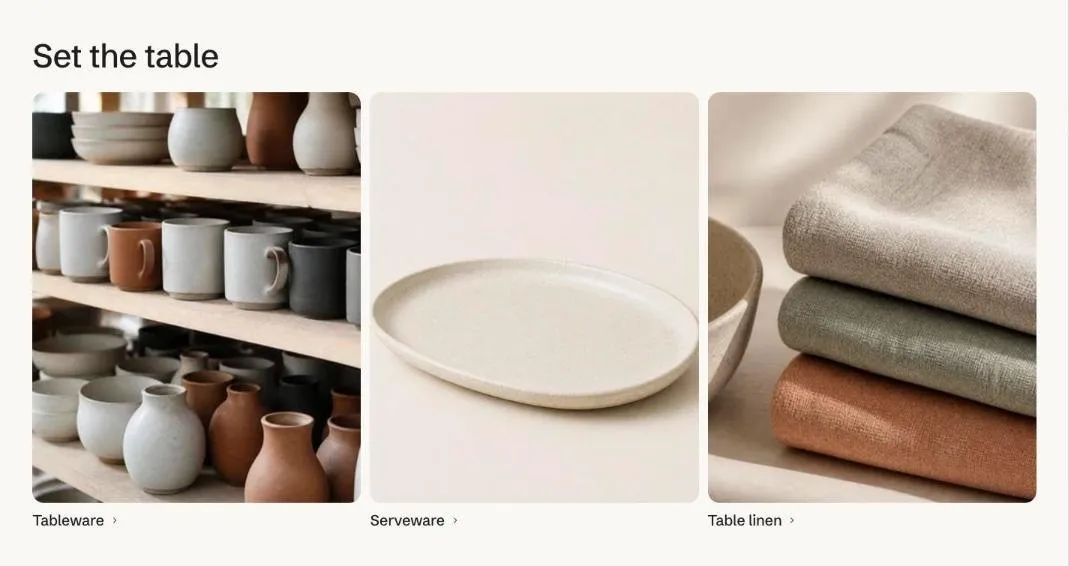
Collection tiles show large images with the title over them. A tile can link to any page instead of its collection, such as a filtered collection for “Shop by concern”. Six tiles sit in three columns and two rows.
Add the section
Section titled “Add the section”- Open Online Store > Themes > Customize and go to the home page (or any template).
- Click Add section and choose Collection tiles.
- Fill in the content, then click Save.
Section settings
Section titled “Section settings”| Setting | Type | What it does |
|---|---|---|
| Heading | Text | Leave empty to hide it. |
| Height | Choice | Compact / Medium / Large. |
| Title | Choice | On the image / Under the image. |
| Columns on desktop | Choice | Automatic / 2 / 3 / 4. |
| Color scheme | Color scheme | One of the schemes from Theme settings > Colors. |
Blocks
Section titled “Blocks”You can add up to 6 blocks.
| Setting | Type | What it does |
|---|---|---|
| Collection | Collection | |
| Image | Image | Defaults to the collection image. |
| Title | Text | Defaults to the collection title. |
| Link | Link | Optional. Send the tile somewhere other than its collection, such as a filtered collection for a skin concern. |